
Overview
The Product module enables Exhibitors and Sponsors to showcase the products within the virtual booth. It serves as a centralised platform for entering product information, which is then presented as a comprehensive product list on the Booth webpage.
Key Benefits / Outcomes
By leveraging the Product module, you can:
- Display a curated list of products on your Booth page.
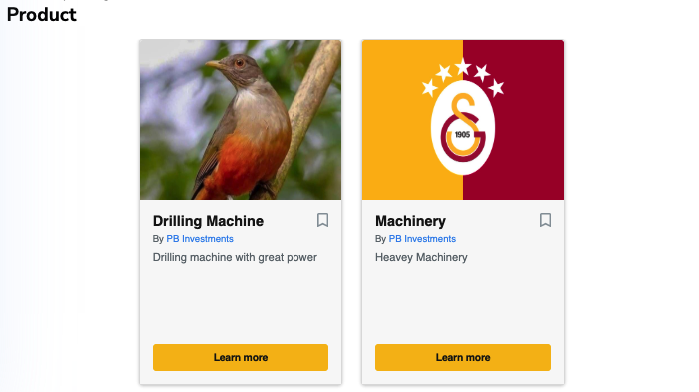
- Showcase supporting assets such as images, PDF documents, and videos to inform and engage potential visitors and buyers.
Access and Setup
Access to the Product Creation Module is granted based on your entitlement.
The number of products you may list is determined by the package selected with the Organiser.

Product Fields
These are the primary fields for product creation:
Product Name (Required): the primary identifier of your product.
Description: A detailed overview of your product’s features and benefits.
Product Gallery:
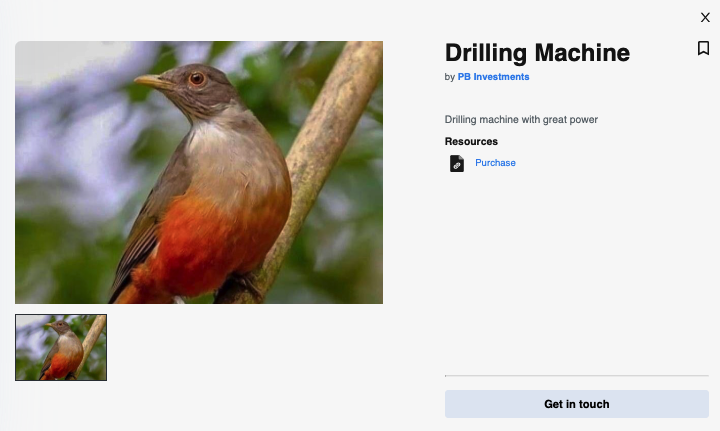
- Add image: Uploaded images will be displayed in the product preview on your Booth page. The first image you upload will automatically serve as the product’s cover image.
- Add Video URL / Documents: You can include video links, product specification PDFs, external links, or additional images. All assets added here will appear in the product preview to provide a richer experience for visitors.

Call-To-Action (CTA)
The CTA feature allows you to guide visitors to an external link, facilitating engagement or direct inquiries.
You can configure the following:
CTA Text: The label displayed on the button.
CTA Link: The destination URL.
Button Appearance: Customise the background and text colours to ensure the CTA is visually prominent.

Draft > Publish
After entering all the necessary information for a product, you can Preview it.
Once ready, switch from Draft to Publish and click Save to list the product on the webpage.

In view of the operation, you may toggle Draft / Publish or Delete the Product in need.